Projects in Progress / Project History
Current
In Current Projects, you can view your open projects or make changes to these projects in progress, for example:
- Add new instructions
- Add target languages
- Add files
- Include additional recipients for the delivery
- Request cancellation
Those actions can be performed once inside the project details, by going to Project Actions.

After choosing the action, your Project Manager will receive a notification and will get back to you with confirmation. Please note that requesting any changes to a project may alter the cost and/or turnaround time. Your project manager will communicate any changes.
History
In the History tab, you can view all the information related to past projects. The past projects are those with the status Closed or Cancelled.
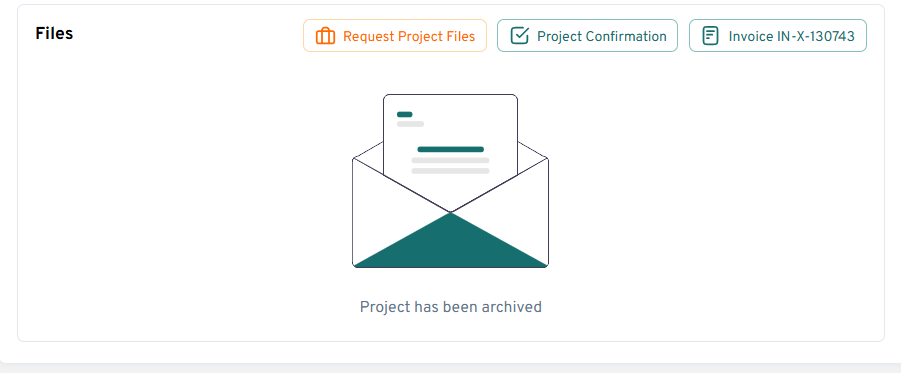
For security and safe storage, project files are archived after 3 months. If you need to retrieve archived files, click on "Request project files" in your past project. The files will be delivered to you by your project manager.
When the project is closed, you can also "Share Your Feedback" by clicking on he button as shown below: Here, you will be able to evaluate our service on a scale from 1 to 5.
Project Review Option
The Review step is optional, and it means you or anyone from your internal staff can review the translation in the portal. You can either provide us with feedback or approve the project to be closed and invoiced. If you are interested in activating the review step, you can discuss the options with your Project Manager.
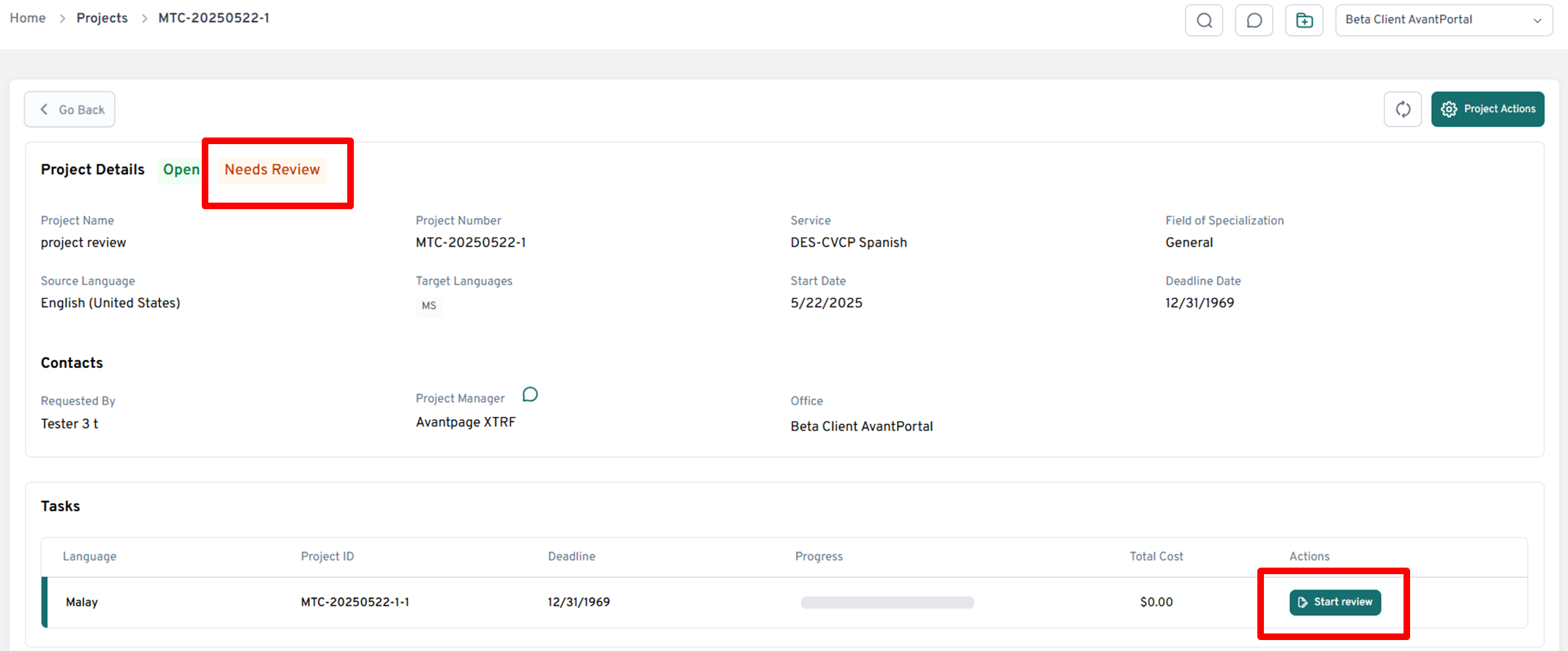
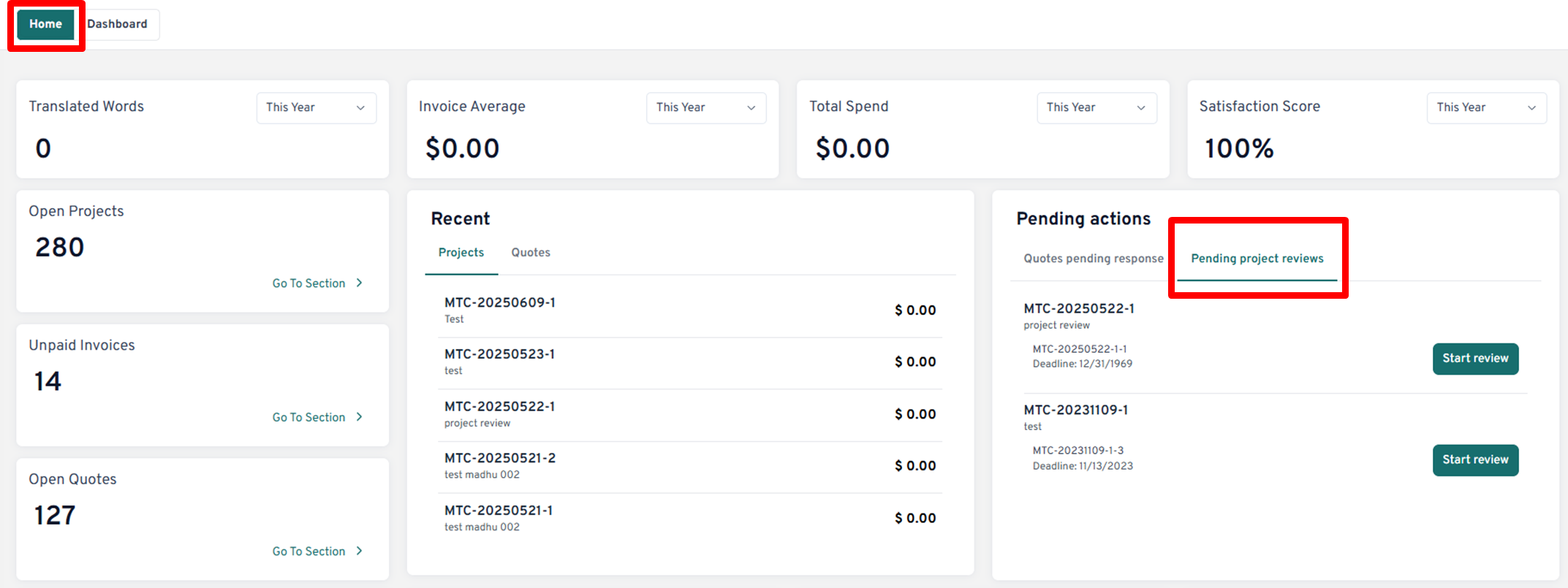
The easiest way to access a project that is ready for Review is in the Home Page, in the secton "Pending actions" and "Pending Project Reviews". Click on "Start review" and download the file(s) for review from the pop-up window.
Once the review is done, you should upload the commented file(s) in the "Reviewed Files" section and click on "Finish Review". The Project Manager will receive the notification and proceed with the next steps.